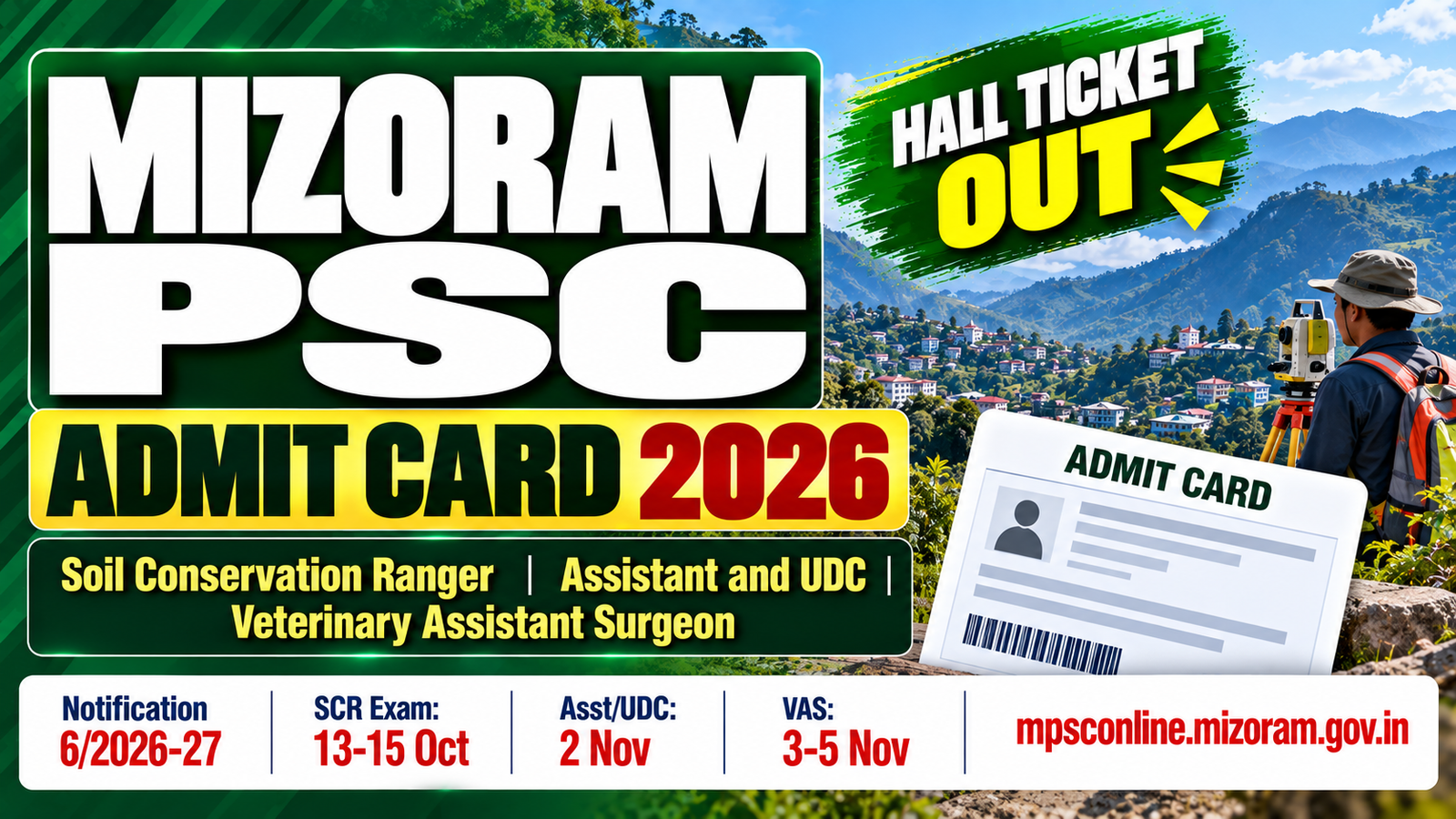
The Mizoram Public Service Commission (MPSC), Aizawl has issued Admit Card Download Notification 6 of 2026-2027 vide Notification No. A.12033/1/2026-MPSC(EA) dated 25 September 2026. The notification announces the admit card download windows and written examination dates for three recruitments: Soil Conservation Ranger (Land Resources, Soil and Water Conservation Department), Assistant and UDC Combined (Various Departments) and Veterinary Assistant Surgeon – VAS (Environment, Forest and Climate Change Department). Candidates must log in to their own account on the official MPSC Online Portal at mpsconline.mizoram.gov.in to download their admit card. The Soil Conservation Ranger and Assistant and UDC admit card download windows are already open as of 30 September 2026. The VAS admit card window opens on 7 October 2026.
Important Note: Three things every candidate must do. First, download your admit card within the specific window for your post. The windows close on different dates for each post – Soil Conservation Ranger on 8 October, Assistant and UDC on 13 October and VAS on 18 October. After the window closes, you cannot download. Second, candidates whose applications are rejected will be notified through a message in their own MPSC Online Portal account. Check your account now to verify your application status before downloading. Third, receiving an admit card does not guarantee your candidature. Candidates who have not uploaded documents completely and correctly can still be rejected at any stage.
Mizoram PSC Admit Card 2026: Overview
| Particulars | Details |
|---|---|
| Organisation | Mizoram Public Service Commission (MPSC), Aizawl |
| Notification Number | A.12033/1/2026-MPSC(EA) |
| Notification Title | Admit Card Download Notification 6 of 2026-2027 |
| Notification Date | 25 September 2026 |
| Posts Covered | Soil Conservation Ranger; Assistant and UDC (Combined); Veterinary Assistant Surgeon (VAS) |
| Download Mode | Online through candidate account at mpsconline.mizoram.gov.in |
| Official Website | mpsc.mizoram.gov.in / mpsconline.mizoram.gov.in |
Mizoram PSC Admit Card 2026: Post-wise Download and Exam Dates
| Post | Advertisement No. | Department | Admit Card Download Window | Exam Date |
|---|---|---|---|---|
| Soil Conservation Ranger | No. 21 of 2026-27 dated 28.07.2026 | Land Resources, Soil and Water Conservation | 29 September to 8 October 2026 | 13 to 15 October 2026 |
| Assistant and UDC (Combined) | No. 13 of 2026-27 dated 13.05.2026 | Various Departments | 30 September to 13 October 2026 | 2 November 2026 |
| Veterinary Assistant Surgeon (VAS) | No. 10 of 2026-27 dated 08.05.2026 | Environment, Forest and Climate Change Department | 7 October to 18 October 2026 | 3 to 5 November 2026 |
Current Status of Admit Card Download Windows (as on 30 September 2026)
| Post | Download Status |
|---|---|
| Soil Conservation Ranger | OPEN – download now (closes 8 October 2026) |
| Assistant and UDC (Combined) | OPEN – download now (closes 13 October 2026) |
| Veterinary Assistant Surgeon (VAS) | NOT YET OPEN – opens 7 October 2026 |
How to Download the Mizoram PSC Admit Card 2026
- Visit the official MPSC Online Portal at mpsconline.mizoram.gov.in.
- Log in to your own candidate account using your registered credentials.
- After logging in, navigate to the admit card section for the post you applied for.
- Find the admit card for your specific post (Soil Conservation Ranger, Assistant and UDC, or VAS).
- Download the admit card PDF within the download window for your post.
- Verify all details on the admit card: name, roll number, exam date, exam centre and other particulars.
- Download and print at least two clear copies. Keep one for the exam and one as a backup.
- Do not wait until the last day of the download window. Download as soon as possible.
Important Instructions
- Download your admit card within the window specified for your post. Admit cards cannot be accessed after the window closes.
- Rejected candidates are notified via a message in their MPSC Online Portal account. Check your account to verify your application status.
- Receiving an admit card does not confirm that your candidature is accepted. Candidates who have not uploaded their documents completely and correctly may still be rejected at any stage.
- Carry your printed admit card and a valid original photo ID to the examination centre. Entry without the admit card will not be permitted.
- All information regarding exam centres, reporting times and exam day instructions will be printed on your individual admit card. Read it carefully before the exam date.
- Monitor mpsconline.mizoram.gov.in and mpsc.mizoram.gov.in regularly for any updates, corrigenda or changes to exam dates or centres.
Mizoram PSC Admit Card 2026: Important Links
| Description | Link |
|---|---|
| Admit Card Download Notification 6 of 2026-27 PDF | Click Here |
| MPSC Online Portal (Admit Card Login) | Click Here |
| MPSC Official Website | Click Here |
Mizoram PSC Admit Card 2026: FAQs
Q1. Has the Mizoram PSC Admit Card 2026 been released?
Yes. MPSC issued Admit Card Download Notification 6 of 2026-2027 dated 25 September 2026. The Soil Conservation Ranger and Assistant and UDC admit card windows are currently open. The VAS window opens on 7 October 2026.
Q2. When can I download the Mizoram PSC Soil Conservation Ranger Admit Card?
From 29 September to 8 October 2026. The download window is currently open.
Q3. When can I download the Mizoram PSC Assistant and UDC Admit Card?
From 30 September to 13 October 2026. The download window is currently open.
Q4. When can I download the Mizoram PSC Veterinary Assistant Surgeon (VAS) Admit Card?
From 7 October to 18 October 2026. The window has not yet opened as of 30 September.
Q5. What are the exam dates for these posts?
Soil Conservation Ranger: 13 to 15 October 2026. Assistant and UDC (Combined): 2 November 2026. Veterinary Assistant Surgeon (VAS): 3 to 5 November 2026.
Q6. How do I download the Mizoram PSC Admit Card?
Log in to your candidate account at mpsconline.mizoram.gov.in and download the admit card from your account within the download window for your post.
Q7. What if my application was rejected?
Rejected candidates are notified via a message in their MPSC Online Portal account. Log in and check your account to verify your application status.
Disclaimer
The information in this article is based on the official Admit Card Download Notification 6 of 2026-2027 (No. A.12033/1/2026-MPSC(EA) dated 25 September 2026) released by the Mizoram Public Service Commission on mpsc.mizoram.gov.in. Candidates must download their individual admit card from their account on mpsconline.mizoram.gov.in. JobShouter is not associated with MPSC Mizoram. This article is for informational purposes only.